RK Cosmos Maya Deposit and Withdrawal: Complete Walkthrough
RK Cosmos Maya Deposit and Withdrawal: Complete Walkthrough
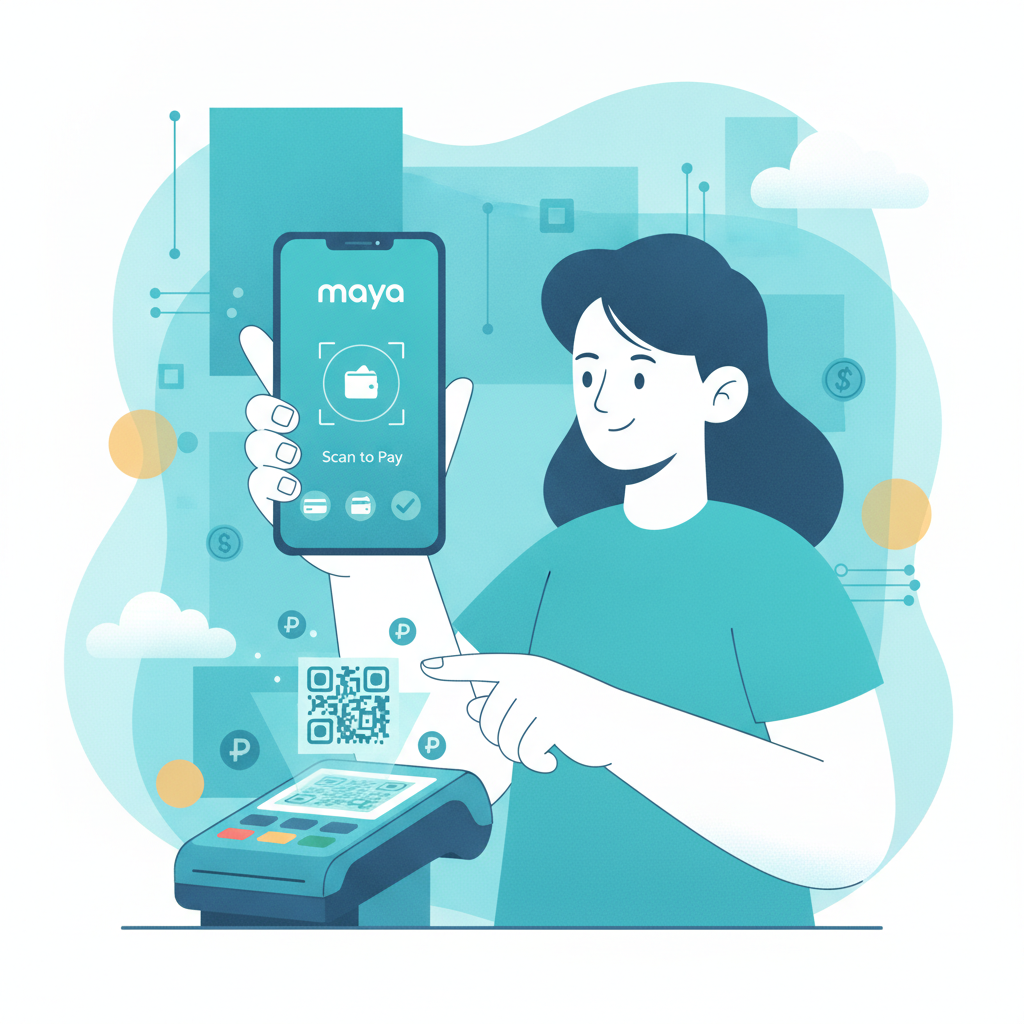
Maya is one of the fastest ways to move money in and out of your RK Cosmos account. Whether you prefer scanning a QR code or entering account details manually, this guide covers every step for deposits and withdrawals, plus what to do when a transaction fails.
21+ only. Only play with money you can afford to lose, and set deposit limits if you need help staying in control.
How to Deposit PHP via Maya into RK Cosmos
RK Cosmos accepts Maya deposits through two methods: QR code scan and manual bank transfer. Both are instant in most cases.
QR Code Deposit Method
- Log into your RK Cosmos account and tap Deposit or Cashier.
- Select Maya from the list of payment options.
- Enter the amount you want to deposit (minimum usually PHP 100).
- Tap Continue or Submit. The platform will generate a QR code on-screen.
- Open your Maya app and tap Scan QR from the home screen.
- Point your camera at the QR code displayed on RK Cosmos.
- Confirm the amount and recipient name in the Maya app.
- Enter your Maya PIN or use biometric authentication to approve the payment.
- Wait for the confirmation screen in Maya, then return to RK Cosmos.
The deposit usually appears in your RK Cosmos balance within one to three minutes. Refresh your balance or check the Transaction History page if it doesn't show immediately.
Manual Transfer Deposit Method
If the QR code doesn't load or you prefer typing details manually:
- In the RK Cosmos cashier, select Maya and choose Manual Transfer if prompted.
- The platform will display a Maya account number and account name.
- Open your Maya app and tap Send Money or Pay Bills, depending on the setup.
- Select Send to Maya Account or Bank Transfer.
- Enter the account number shown on RK Cosmos.
- Type the exact deposit amount (match what you entered on RK Cosmos).
- Double-check the recipient name matches the one displayed by RK Cosmos.
- Confirm and authorize the transfer with your PIN or biometrics.
- Screenshot or note the Maya reference number.
Return to RK Cosmos and wait a few minutes. If the deposit hasn't credited after five minutes, contact RK Cosmos support with your Maya reference number and screenshot.
Steps to Request a Maya Withdrawal from RK Cosmos Balance
Withdrawing your winnings to Maya is straightforward, but you need to make sure your Maya account is verified and the name matches your RK Cosmos account.
Before You Withdraw
- Complete any identity verification (KYC) required by RK Cosmos. Most platforms ask for a valid ID and selfie before processing the first withdrawal.
- Ensure the name on your Maya account matches the name on your RK Cosmos account exactly. Mismatches will cause delays or rejections.
- Check that you've met any wagering requirements if you claimed a bonus. RK Cosmos may lock withdrawal requests until playthrough is complete.
Withdrawal Steps
- Log into RK Cosmos and navigate to Withdraw or Cashier > Withdrawal.
- Select Maya as your withdrawal method.
- Enter your Maya mobile number. This is the number linked to your Maya account.
- Type the amount you want to withdraw (respect the minimum and maximum limits listed below).
- Double-check the mobile number—errors here will send funds to the wrong account.
- Tap Submit or Request Withdrawal.
- You may receive an SMS or email confirmation code. Enter it to authorize the request.
Once submitted, the request enters RK Cosmos's processing queue. Check the Withdrawal History or Transaction History page for status updates.
Processing Times, Fees, and Minimum/Maximum Limits for Maya
Processing Times
- Deposits: Instant to three minutes in most cases. Rare delays can stretch to 15 minutes during Maya system maintenance.
- Withdrawals: RK Cosmos typically processes Maya withdrawals within one to 24 hours on business days. Requests submitted late at night or on weekends may take until the next business day. Once approved, funds usually land in your Maya wallet within minutes.
Always check RK Cosmos's cashier page for the latest processing estimates, as times can vary during high-volume periods.
Fees
- Deposit fees: RK Cosmos usually does not charge a deposit fee for Maya, but Maya itself may apply a small convenience fee depending on your transaction type (check the Maya app confirmation screen before approving).
- Withdrawal fees: Many operators do not charge a fee for the first few withdrawals per month, then apply a small administrative fee (often PHP 15–50) for additional requests. Confirm the fee structure on the RK Cosmos withdrawal page before submitting.
Minimum and Maximum Limits
- Minimum deposit: Typically PHP 100. Some promotions may require a higher minimum.
- Maximum deposit: Often PHP 50,000 per transaction, but this can vary by account level or verification status.
- Minimum withdrawal: Usually PHP 200 to PHP 300.
- Maximum withdrawal: Ranges from PHP 30,000 to PHP 100,000 per transaction, depending on your account tier. VIP players may enjoy higher limits.
Check the cashier page each time you transact, as RK Cosmos can adjust limits without notice.
Troubleshooting Maya Transaction Failures or Name Mismatches
Even a smooth payment flow can hit snags. Here's how to fix the most common Maya problems on RK Cosmos.
Deposit Not Credited After 15 Minutes
- Open your Maya app and confirm the payment was debited from your wallet. Check Activity or Transaction History.
- Screenshot the Maya transaction receipt showing the reference number, amount, date, and recipient.
- Return to RK Cosmos and open the live chat or email support.
- Provide your RK Cosmos username, the deposit amount, Maya reference number, and screenshot.
- Support will trace the payment and manually credit your account if the funds reached the operator's Maya wallet.
In rare cases, the payment may bounce back to your Maya account within 24 hours if the RK Cosmos merchant details are incorrect or undergoing maintenance.
QR Code Not Loading or Scanning
- Refresh the RK Cosmos deposit page or log out and back in.
- Clear your browser cache or update the RK Cosmos app if you're using the APK version.
- Switch to the manual transfer method as a fallback.
- Check your internet connection; weak mobile data can prevent the QR code from generating.
Withdrawal Rejected Due to Name Mismatch
RK Cosmos cross-checks the name on your casino account with the name registered to the Maya mobile number you provided. If they don't match, the withdrawal will be rejected or placed on hold.
How to fix it:
- Log into Maya and verify your full legal name under Profile or Settings.
- Compare it character-by-character with the name on your RK Cosmos account.
- If there's a discrepancy (nickname, middle initial, spacing), contact RK Cosmos support to update your account name. You'll need to upload a government ID that matches your Maya registration.
- Once the names align, resubmit the withdrawal request.
Pending Withdrawal for More Than 24 Hours
- Check your email and SMS for any requests from RK Cosmos to upload additional documents.
- Confirm you've completed full KYC verification. First-time withdrawals often require ID, proof of address, or a selfie.
- Ensure you've met bonus wagering requirements if you claimed a promo. Locked bonuses can block withdrawals.
- Contact RK Cosmos support with your withdrawal reference number and ask for a status update.
Weekend and holiday requests typically roll over to the next business day, so factor in Philippine banking schedules.
Maya Wallet Limit Exceeded
Maya imposes monthly cash-in and cash-out limits depending on your verification level. If you're hitting these caps:
- Upgrade your Maya account to Maya Upgraded or Fully Verified by submitting a valid ID through the Maya app.
- Alternatively, use a different withdrawal method like GCash, InstaPay, or PESONet to spread your cashouts across multiple channels.
Check Maya's support pages for current limit tiers and upgrade instructions.
21+ Only and Responsible Gambling Notice
RK Cosmos is strictly for players 21 years of age and older. Online gambling should remain a form of entertainment, not a way to make money or solve financial problems.
Play responsibly:
- Set a budget before you deposit and stick to it.
- Use deposit limits or cooling-off features if RK Cosmos offers them.
- Take breaks if you feel frustrated or are chasing losses.
- Seek help from organizations like the National Center for Mental Health or Gambler's Anonymous Philippines if gambling is affecting your life.
Never gamble with money you need for bills, rent, or essentials. If you or someone you know needs support, reach out to a trusted professional.
Maya deposits and withdrawals on RK Cosmos are fast and convenient once you know the steps. Keep your account name consistent, double-check mobile numbers, and save transaction references to resolve any hiccups quickly. Always verify the latest fees and limits in the RK Cosmos cashier, and remember to play within your means.